

Om
Omnichannel Routing
Queue and routing logic for voice, live chat, ticket intake, and customer service distribution.
Service Platform
This page is designed as a secondary partner-facing module that presents service workflows, automation logic, ticket operations, and platform materials alongside the main support business presentation.

Queue and routing logic for voice, live chat, ticket intake, and customer service distribution.
Case creation, status handling, escalation rules, and review-ready service processes.
Automation support for first response, suggested resolution steps, and internal service guidance.
Operational reporting, review checkpoints, and service-quality monitoring for support teams.
Service Platform
The goal is not deep documentation. It is to display a credible operations-facing overview that shows routing logic, service workflows, and partner-ready platform controls.
Customer Request
Service Platform
Resolution Output
Platform Access
The service platform page needs to show not only visual materials, but also access model, workflow structure, and review-ready operational notes.
Partner or operations access is issued after business review and mapped to dedicated channel, queue, and platform permissions.
Operational workflows are reviewed to validate intake, ticket routing, escalation handling, and service-side resolution before rollout.
Automation, suggestion logic, and internal knowledge support are shown as core controls in the service model.
Platform questions, review requests, and onboarding communication are routed through the listed business contact channels.
Platform Use Cases
This section keeps the platform page grounded in support operations through routing, assistance, and review workflows.
Queue Control
Presented as queue-based support handling for active game-service requests and routed frontline work.
Channel orchestration for active service demand.
Realtime Assist
Presented as real-time support handling, guided assistance, and operator-side service coordination.
Guided responses and service-side assistance.
Risk Review
Presented as the review lane for escalated investigations, risk checks, and priority-case handling.
Escalation, audit, and operational oversight.
Configure channels, queues, and review the base service workflow.
Route voice, chat, and ticket requests through platform rules and monitored queues.
Validate escalation, QA, automation, and reporting flows in an operational review model.
Platform setup and onboarding
Queue mapping, workflow notes, automation examples, and service platform details are available during partner onboarding and business review.
Request example
POST /v1/ticket/create
Authorization: Bearer <service-token>
X-Workspace: operations-review
Content-Type: application/json

{
  "customerId": "demo-customer-1024",
  "serviceLine": "game-support",
  "channel": "live-chat",
  "priority": "normal",
  "language": "en",
  "issueSummary": "Session launch interrupted after login",
  "callbackUrl": "https://partner.example/ticket-update"
}
Operational Checkpoints

Monitoring visuals that support queue review, case visibility, and service-side clarification.
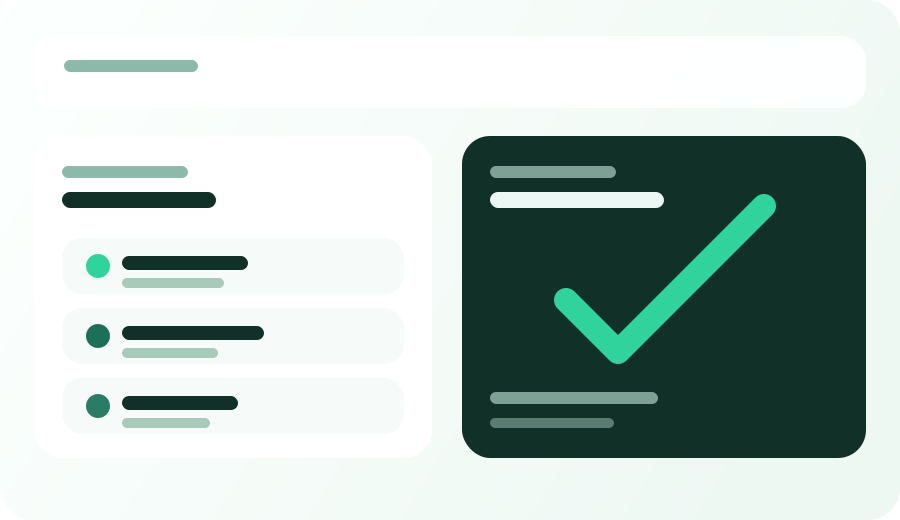
Visual audit blocks for ticket confirmation, workflow review, and service-side record matching.
Sample workflows
POST /v1/ticket/createPOST /v1/chat/sessionPOST /v1/case/escalateGET /v1/qa/reportOperational notes